
Radi8 Is Now in ChatGPT and Claude, and We're in Claude for Startups

This was a big week for Radi8, and I'm a little giddy about it.
Three things happened:
- Radi8 is an approved ChatGPT plugin.
- Radi8 is in Claude's connector directory.
- Radi8 got accepted into the Claude for Startups program.
Put together, it means anyone can now open the AI chat they already use, search for Radi8, install it, and start managing their social media right there.
Why this matters to me
I've spent 25 years around software, and most of it asks the same thing of you first: learn the tool. Find the right menu. Remember where the setting lives. Click through four screens to do one thing, then get to the actual work.
Then I started using Radi8 inside ChatGPT and Claude, and something flipped. I stopped learning software and just said what I wanted. In a sentence. The sentence was the interface.
For a coach or a consultant, that's a big deal. Most tools hand you a second job: you were great at the work, and now you're also supposed to master the software. In chat, you describe the outcome and the work gets done.
And it's not just me. New subscribers are signing up for Radi8 specifically because it works inside ChatGPT and Claude. This week, one came directly from the new ChatGPT plugin.
What you can do in chat
Once Radi8 is connected, the chat you already have open becomes the place your social happens.
Ask for a LinkedIn post and it already knows your voice, your audience, your strategy, and what you've posted before, because Radi8 hands it all of that. It drafts the post in your voice and schedules it, mid-conversation, without opening another tab. You can ask what's going out this week, plan a campaign, or turn one idea into posts for every channel you use.
Nothing publishes without your approval. That part doesn't change.
How to install it
You don't need a Radi8 account first. You'll create one when Radi8 asks you to sign in, and a new account comes with credits to try it.
In ChatGPT
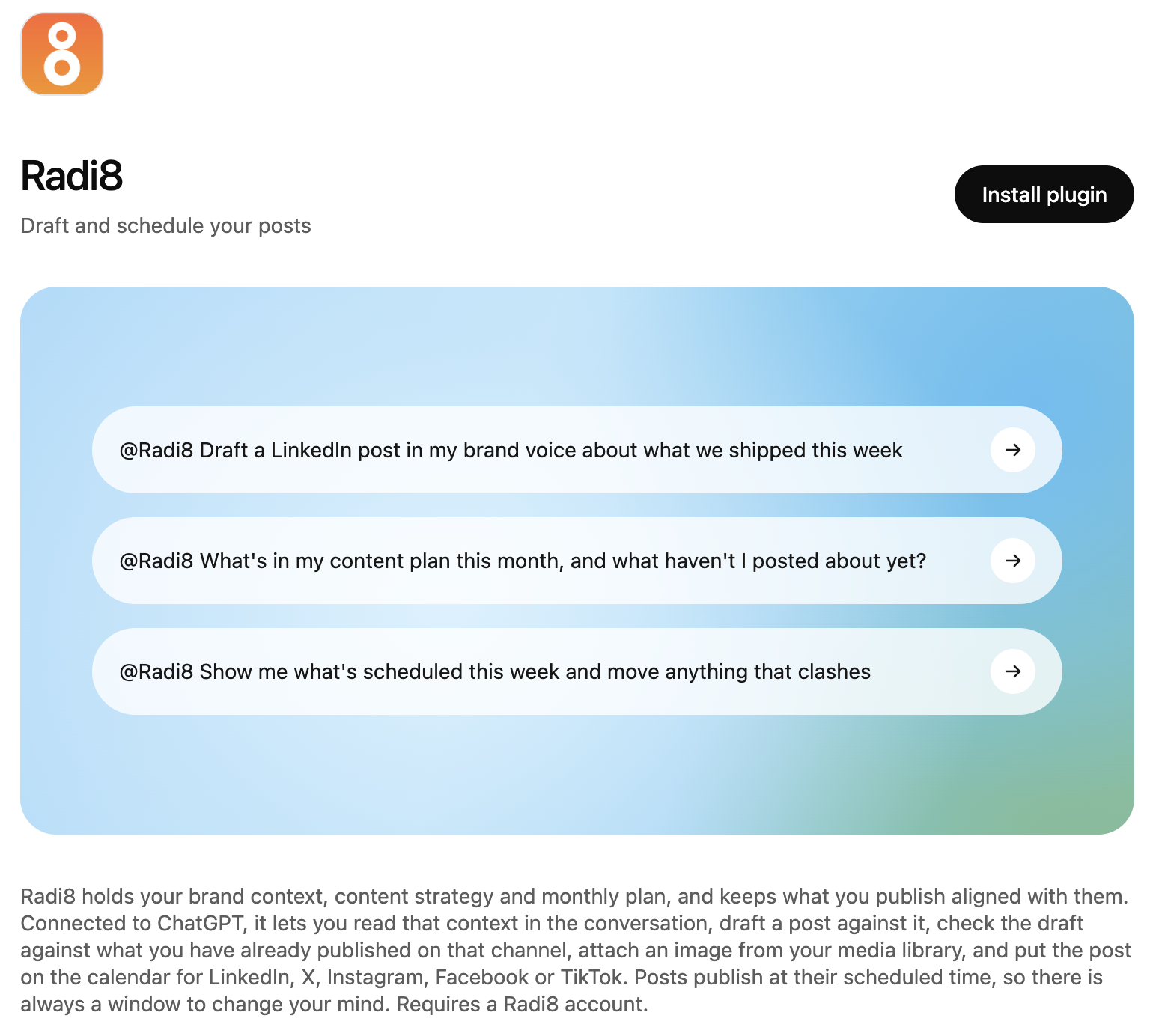
- Open Plugins in ChatGPT and search for Radi8, or use the direct link to the Radi8 plugin.
- Click Install plugin.
- Sign in to Radi8 (or create an account) and approve the connection.
- Start a new chat and ask for what you need.
In Claude
- Search Claude's connectors for Radi8, or open Radi8 in Claude's connector directory.
- Click Connect to Claude.
- Sign in to Radi8 (or create an account) and approve the connection.
- Start a new chat. If Claude answers without using Radi8, open the tools menu under the message box and make sure Radi8 is switched on.

Try it and tell me how it goes
Install Radi8 in whichever chat you already live in, and ask it to help you write a post in your own voice. Plans start at $35/month after your trial credits, with a 30-day money-back guarantee.
Install Radi8 in ChatGPT or Claude →
Michael Ashley is the founder and CEO of Radi8, an AI-powered social media platform for small businesses, solopreneurs, and independent consultants. He has 25+ years of experience at the intersection of innovation, strategy, and execution, with four successful startup exits. He is also an Adjunct Professor at San José State University's College of Business and facilitates the Inspiring Founders Peer Groups for early-stage founders.